
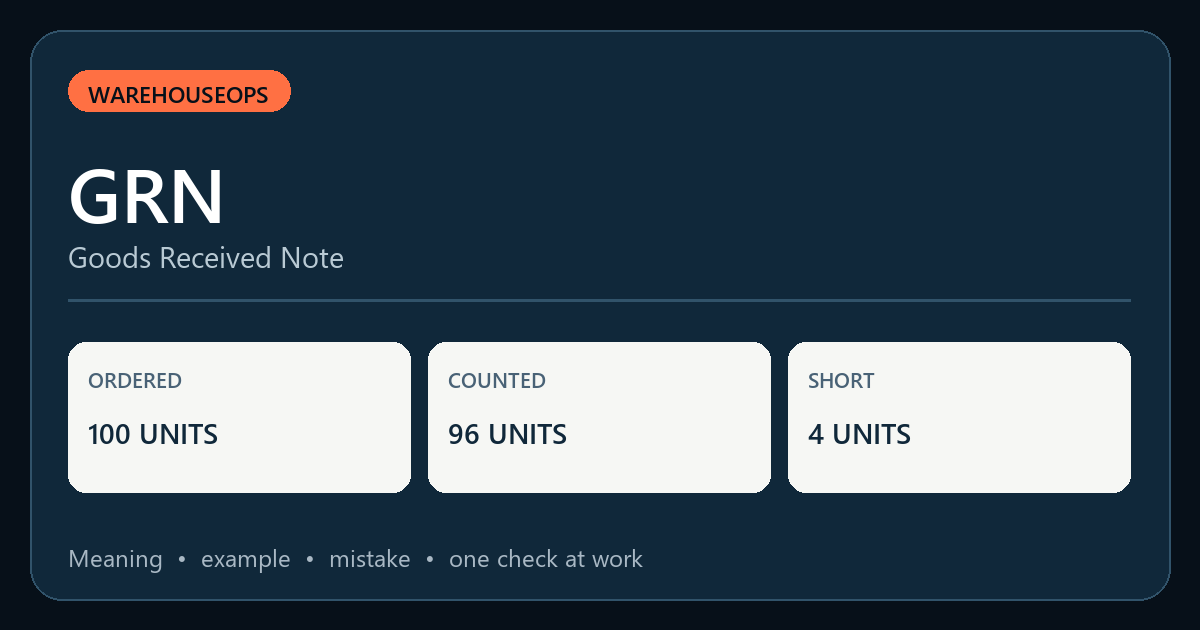
What does GRN mean?
A GRN is the receiving record created after goods arrive and are physically checked.
The exact field names and approval steps vary by warehouse. Use your site procedure when applying the idea.
A practical warehouse example
The purchase order expects 100 units. The receiver physically counts 96 units, of which two are damaged. The receiving record must show the actual count and the damage status according to the site procedure; it must not simply copy 100 from the purchase order.
Record the four-unit shortage and two damaged units as separate exceptions, then follow the approved process for acceptance, quarantine, supplier communication and invoice matching.
How to apply it
- Match the documents
Check the purchase order, delivery document, SKU, unit of measure and supplier details.
- Count and inspect
Record what physically arrived, including visible damage, batch or serial data when relevant.
- Post and escalate
Create the GRN for the verified receipt and raise shortages or damage through the local exception process.
Common mistake
An invoice or delivery note is not proof of the quantity physically received. Copying ordered quantity into the GRN hides shortages and creates false stock.
Check your understanding
The order says 100 units but only 96 arrived. What quantity should the receiver enter as physically received?
Show the answer
Record the verified physical receipt of 96 units and separately document the shortage and any damaged units using the site’s GRN rules.
One check to perform at work
Take one recent GRN and trace its quantities to the count record, delivery document, discrepancy note and system stock movement.
Continue learning
Prepared by WarehouseOps · Published 2026-11-01 · Editorial and corrections policy · Suggest a correction. This is an educational example; apply the approved procedure and competent advice for your site.